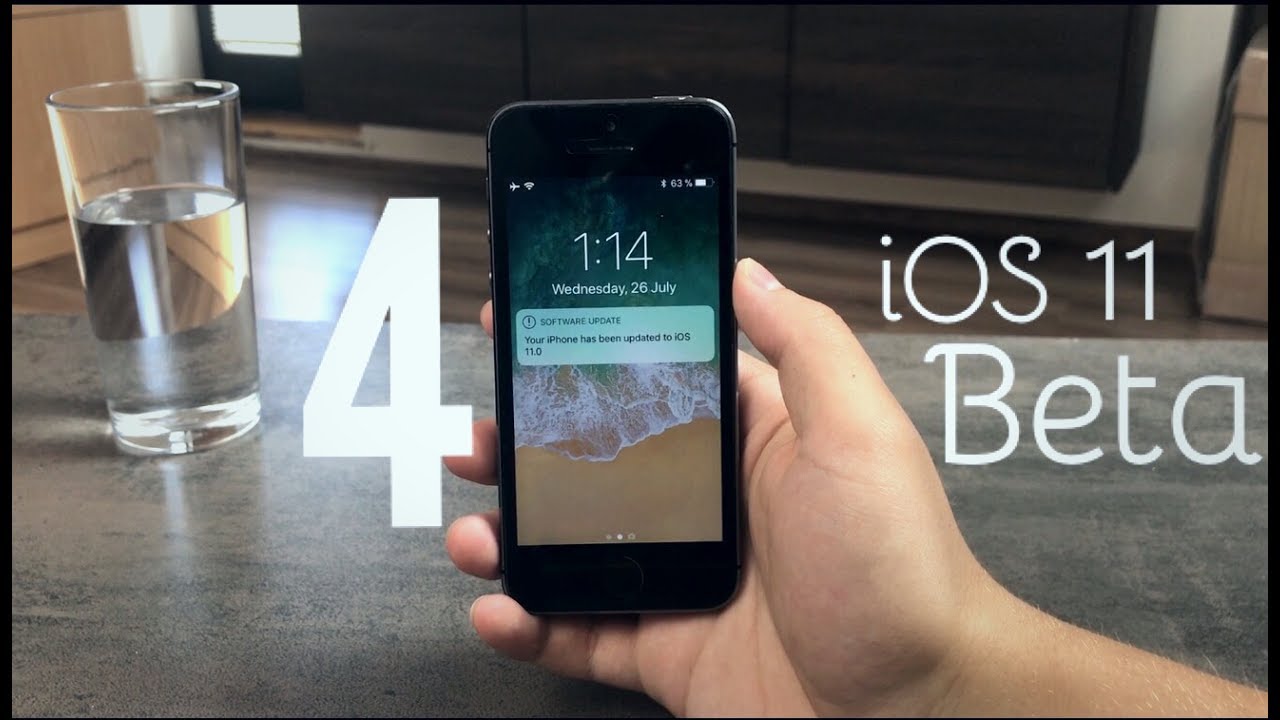
 iOS 11 Beta 4 - Released
Hey guys this is Apple Fox here back again with another video. Now let's talk iOS 11. It's just been released by Apple, the beta 4 of course, and just like always it comes with great amount of changes and new stuff. And in this video I will go through them. So sit back and let's get started.
Now let's begin with the update page in the settings, because this is the thing you see first when you decide to go ahead and update. Not gonna talk a lot about it because there isn't much to talk about at first place but also it's the same all the time with the betas so just containing bug fixes and improvements.
So I'll better click download right now because I don't want to hesitate with it even though it shouldn't take long for sure cause it's just like 340 megabytes but still. Now as you can see we're done with the installing and we can finally take a look at the changes and new stuff.
When I unlock the phone for the first time, I can immediately see the homescreen obviously but here the changes begin. Starting with the notes icon. It's like the thing that pops up to me when I see it. Well the lines are more spread out. The dots look different as well.
Reminders app is nothing but a swapped version of the old one. Like what the heck, we wanted a redesign of the icons but I'm not sure if this something we expected. The contacts on the other hand look better though. Two people on the icon look than one person, some people on Twitte predicted exactly this icon for the contacts, so I've seen this one coming.
From the other icons, for example the home is slightly darker, if I'm not wrong. The mail is another one where I can see the difference. It's like, I don't even know but it's different. There may be another slightly tweaked icons but those aren't as apparent as these.
If you remember I made a video about the most annoying things in iOS 11, about the stuff I literally hate about it. And one of the things was the new way how the notifications work. I complained that I can't swipe to dismiss them anymore and I have to use 3D touch instead, which was annoying. Now fortunately it's gone, but I mean completely.
You can again swipe to get the options you get in iOS 10 as well. Which is super neat. Not only that but there is also an option to swipe all the way to the left, and remove it quickly. So good job Apple.
In case you're using Touch ID, and most of you do, when clicking on the notification from a specific app, you get this new screen telling you to put your finger on the homebutton to get inside. It's nice that Apple works on these little things.
Maybe it's a minor change, but there at the bottom of the screen there stands that you need to press the home button to unlock. It's not like we don't know what to do to get inside but it's just there.
The wallet also provides a new widget in the control center. On 3D touch compatible devices, it's also present on the homescreen after force pressing on the icon. Continuing with the spotlight search, you may notice those letters which offer the result are bolder. Also the options on the bottom are accompanied by icons.
Inside the settings, there is no longer a menu for siri and search but instead it's only called siri. And finally the itunes store icons at the bottom, I mean those present inside the app are now a lot darker. Don't know if I like it or not, it's just there.
And also let's take a look at the storage so before, running the third beta, the available was at 8,12 gb with the capacity of 12,78 gb. And after updating as you can see, oh wait what does that mean. The capacity definitely isn't 16 gb. Yes of course it stands on the box but in reality the capacity is way smaller. Just like you could see in the third beta. Hopefully Apple will stop showing us the capacity like that. Anyways in the available we have gained more than 1 gb which is truly great. It's just shame that the capacity doesn't appear normally.
So we have reached the end of this video. Thanks a lot for watching to the end, hope you enjoyed this video, enjoy the iOS your device is running at the moment, have an amazing and see you next time. Peace.
iOS 11 Beta 4 - Released | |
| 15 Likes | 15 Dislikes |
| 1,010 views views | 32,649 followers |
| Entertainment | Upload TimePublished on 26 Jul 2017 |

Không có nhận xét nào:
Đăng nhận xét